
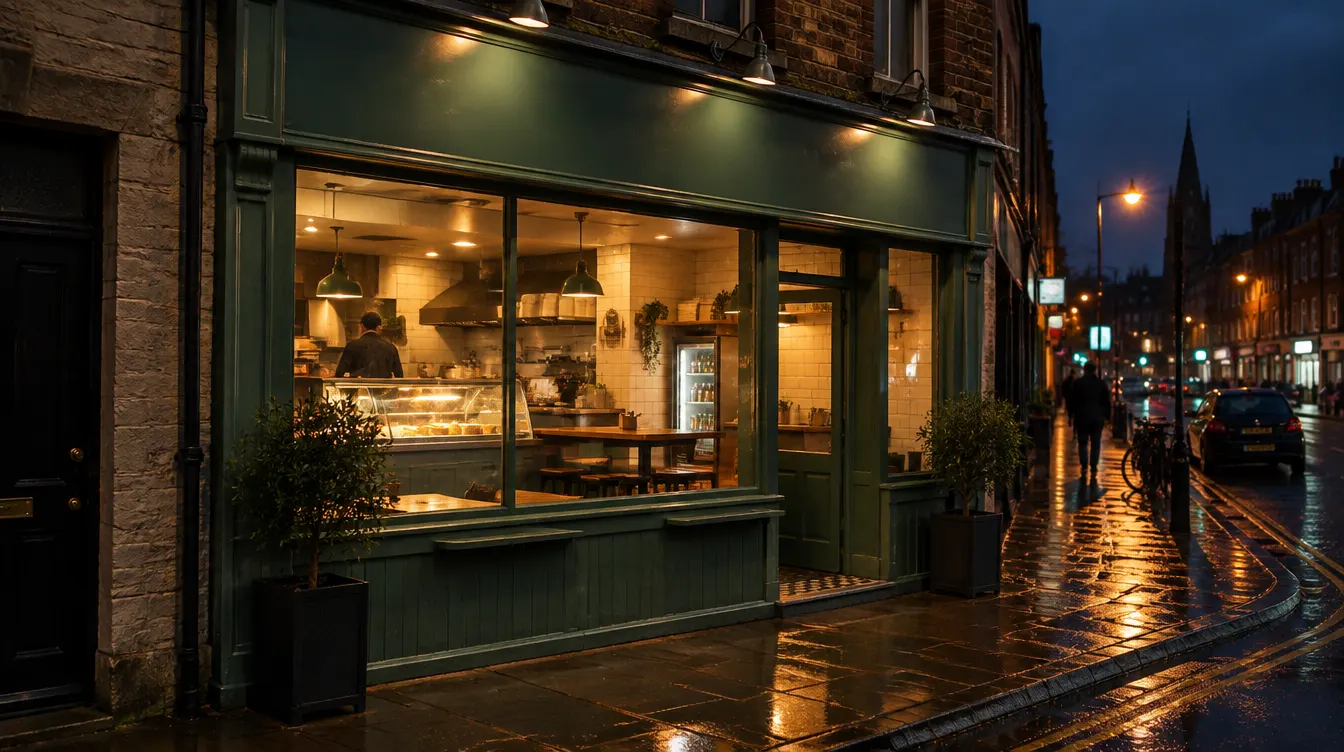
Your free Google Business Profile is the box that appears when someone searches for your takeaway or for “chinese takeaway near me”. To make it bring orders, you need six things right: a verified profile, correct hours (including bank holidays), your real name, the right categories, an order link that points to your own ordering page, and replies to every review. None of it costs anything, and most of it takes under an hour.
Checked on 8 October 2026 against Google’s own help pages (linked under sources). Google changes its screens often, so button names may differ slightly on your phone.
Why this profile matters more than your Facebook page
When a hungry customer searches on a phone, Google shows a map, your opening status, your rating and a row of buttons before any website. If the buttons send them to a marketplace, you pay commission on a customer who typed your name. If the hours are wrong, they call a rival who is open. It is the cheapest shopfront you have, and the only one where you control what the button says.
Google’s own guidance says the profile is free: “creating a Business Profile and listing your business on Google is free”. You pay only if you separately choose to run ads.
The six-point checklist
| # | Field | What to do | Time |
|---|---|---|---|
| 1 | Claim and verify | Search your name, choose “Claim this business”, verify | 10 min, or up to 14 days by postcard |
| 2 | Hours | Normal week plus special hours for bank holidays | 10 min |
| 3 | Name and categories | Real name only; one specific primary category | 5 min |
| 4 | Order link | Your own ordering page, marked as preferred | 5 min |
| 5 | Photos | Shopfront, signature dishes, packaging | 20 min |
| 6 | Reviews | Reply to all, ask regulars, flag the fake | 5 min a week |
1. Claim and verify your profile
Without verification you cannot edit hours, reply to reviews or change links. Google says you must verify before you can “edit your business info, such as business name or business hours, and interact with customers”.
Google offers phone or text, email, a live video call or a postcard, and decides which method you get. A postcard code arrives within about 14 days and expires after 30. The practical rule: do not change your name, address or category while a postcard is on its way, because that invalidates the code.
If someone else (a former agency, an ex-employee, a previous owner) already controls the profile, request ownership from the profile itself and keep the screenshots. Do this first; everything below depends on it.
2. Hours: normal, special and bank holiday
Set your regular opening hours for each day, including the late-night close. If you shut between lunch and dinner, add both blocks.
Then set special hours. Google lets you set special hours for holidays or any date when your normal week does not apply. For an Irish takeaway, the dates worth entering as soon as you know them are:
- Bank holiday Mondays if you open shorter or later.
- Christmas Day and St Stephen’s Day, even if you are closed. A “closed” mark beats hours that are wrong.
- Halloween weekend and New Year’s Eve, when many takeaways close late.
- One-off closures, such as a fryer repair or a family occasion.
Wrong hours cost more than a missing website. A customer who drives to a dark shopfront at 9pm does not come back. Set a monthly reminder to check hours against what the shop does.
3. Name and categories: simple beats clever
Google’s name rule is plain: your name “should reflect your business’s real-world name, as used consistently on your storefront, website, stationery, and as known to customers”. It lists what not to add: taglines, hours, phone numbers or URLs, location details and service descriptions. So “Mario’s Pizza”, not “Mario’s Pizza Cork Best Pizza Delivery Open Late”. Keyword stuffing can get a profile suspended, and the suspension takes your order button with it.
For categories, Google says to pick one specific primary category and “not select a category for every product or service”. Choose “Chinese restaurant” over “Restaurant”, “Fish and chip shop” over “Fast food restaurant”, and add one or two extras that are true, such as “Takeaway”. Categories affect your local ranking, and changing them can trigger re-verification, so decide once.
4. The “Order online” button: whose link is it?
This is the field that most affects your income. Google allows a single menu link plus up to 10 action links per type, such as “Place a food order”. Third-party providers can have links appear on your profile automatically, which is why many owners find a marketplace button first.
You can fix this yourself:
- Open your profile and choose Edit profile, then Food ordering (the label for the ordering links).
- Add the web address of your own ordering page.
- If more than one link shows, mark yours as the business-preferred link.
- To remove a provider you no longer use, choose Remove provider. Google says the provider has 5 days to process a removal request and, if it does not, you can report it to Google.
One honest caution: if a marketplace is your only ordering link and you remove it, the “Order online” button can disappear. Add your own link first, then decide what to remove.
Paste your own site’s address. Do not expect Google to read your menu or take orders for you; the link simply opens your page. Before you add it, open the link on a phone with mobile data and place a test order. A link that opens a slow page or a login wall wastes the click.
5. Photos and the menu link
Google can show photos from you and from customers. You control only yours, so make them good:
- Shopfront by day and night, so people find the door. Add your Eircode in the address; it is a unique seven-character code per address, which helps drivers and customers land at the right place.
- Your five best-selling dishes, taken in daylight on a clean plate.
- The packaging, so customers know what to expect.
- Inside, if you have seating or a collection counter.
Photos must follow Google’s content policy, and you are responsible for having the right to post them. Do not use stock pictures of food you do not sell. Add the menu link in the same place as the order link, and keep prices on your ordering page current, because that is the page Google will send hungry people to.
6. Reviews: reply to all, flag the fake ones
Google says replying “shows that you value their feedback”. Replies are usually posted within 10 minutes of moderation but can take up to 30 days, and customers can edit their review after you reply.
Simple rules:
- Reply to every review, short and specific. Thank the good ones by name. For bad ones, acknowledge, offer a fix, move the conversation offline.
- Ask regulars. Google suggests asking customers to visit a Google link or scan a QR code. Do not offer a discount or free item for a review: Google treats incentivised reviews as fake or misleading content.
- Flag, don’t argue. You cannot delete a customer review; you can flag it. Google lists fake content, conflicts of interest (for example, a rival or ex-employee), off-topic rants and harassment as violations. Flag, then reply calmly in case it stays.
A reply you would be happy to see printed on your shopfront window is the right length.
Common mistakes that cost orders
| Mistake | What it costs | Fix |
|---|---|---|
| Tagline or keywords in the name | Suspension risk | Use the name on your sign |
| Wrong Christmas or bank holiday hours | Customers at a closed door | Enter special hours 2 weeks ahead |
| Marketplace link only | Commission on customers who searched your name | Add your own link as preferred |
| Order link goes to a page that fails on mobile | Lost click | Test on a phone on mobile data |
| Ignoring reviews | Looks closed or careless | 5 minutes a week |
| Several profiles for one shop | Split reviews, confusion | Merge or remove duplicates through Google |
| Category “Restaurant” for a chipper | Lower relevance | One specific primary category |
Where your own ordering page comes in
The profile gets the click; your ordering page has to earn the order. With an own-domain ordering site, the button in your Google listing opens your menu, the customer pays by card into your own Stripe account, and the order lands on your screens with the customer’s details. You see who ordered, and you can send them a message later (automatic customer messages are emails and notifications to your own customers; they are not Google or Meta ads management).
OrdFox gives Irish takeaways that site: plans from €45 a month billed annually (€59 monthly), ex. VAT, on a 12-month agreement, with setup quoted before you commit. See pricing, or read how to get more direct orders once the profile is fixed. Other pages worth a look: online ordering for pizza takeaways and Dublin takeaways. Book a 15-minute call and we will show you how your own order link looks on Google Maps.
Frequently asked questions
Is Google Business Profile free for a takeaway?
Yes. Google says creating a Business Profile and listing your business on Google is free, and you can manage it from Google Search and Maps. You only pay if you separately choose to run Google ads, which is a different product.
How do I change the order link on my Google listing?
Sign in to your verified profile, open Edit profile, choose Food ordering (or the transaction type shown) and add the web address of your own ordering page. If more than one link appears, mark yours as the business-preferred link. A link added by a third-party provider can be removed through the same screen with Remove provider.
Can I delete a bad or fake Google review?
No, Google says owners cannot delete customer reviews, only flag them. You can flag a review that breaks Google's policies, for example a fake review, a conflict of interest or off-topic content, and Google decides. Whatever happens, reply publicly, politely and briefly.
How do I show Christmas and bank holiday hours on Google?
Open the hours section of your profile and set special hours for each date that differs from your normal week, including Christmas Day, St Stephen's Day and other bank holidays. Set them a week or two ahead, and mark days you are closed as closed rather than leaving the normal hours showing.
Should I put my area or cuisine in my business name on Google?
No. Google's guidelines say your name should be the real-world name used on your shopfront, website and stationery. Adding keywords, opening hours, a phone number or a tagline such as "Best Kebab Dublin 24 hours" can get the profile suspended.
Sources
- Google Business Profile Help — Add or edit links for booking, ordering and menus
- Google Business Profile Help — Set or change your business hours
- Google Business Profile Help — Guidelines for representing your business (name)
- Google Business Profile Help — Choose a business category
- Google Business Profile Help — Verify your business
- Google Business Profile Help — Read and reply to reviews
- Google Business Profile Help — Prohibited and restricted content in reviews
- Google Business Profile Help — Get more reviews
- Google Business Profile — Is it free?
- Eircode — What is an Eircode?